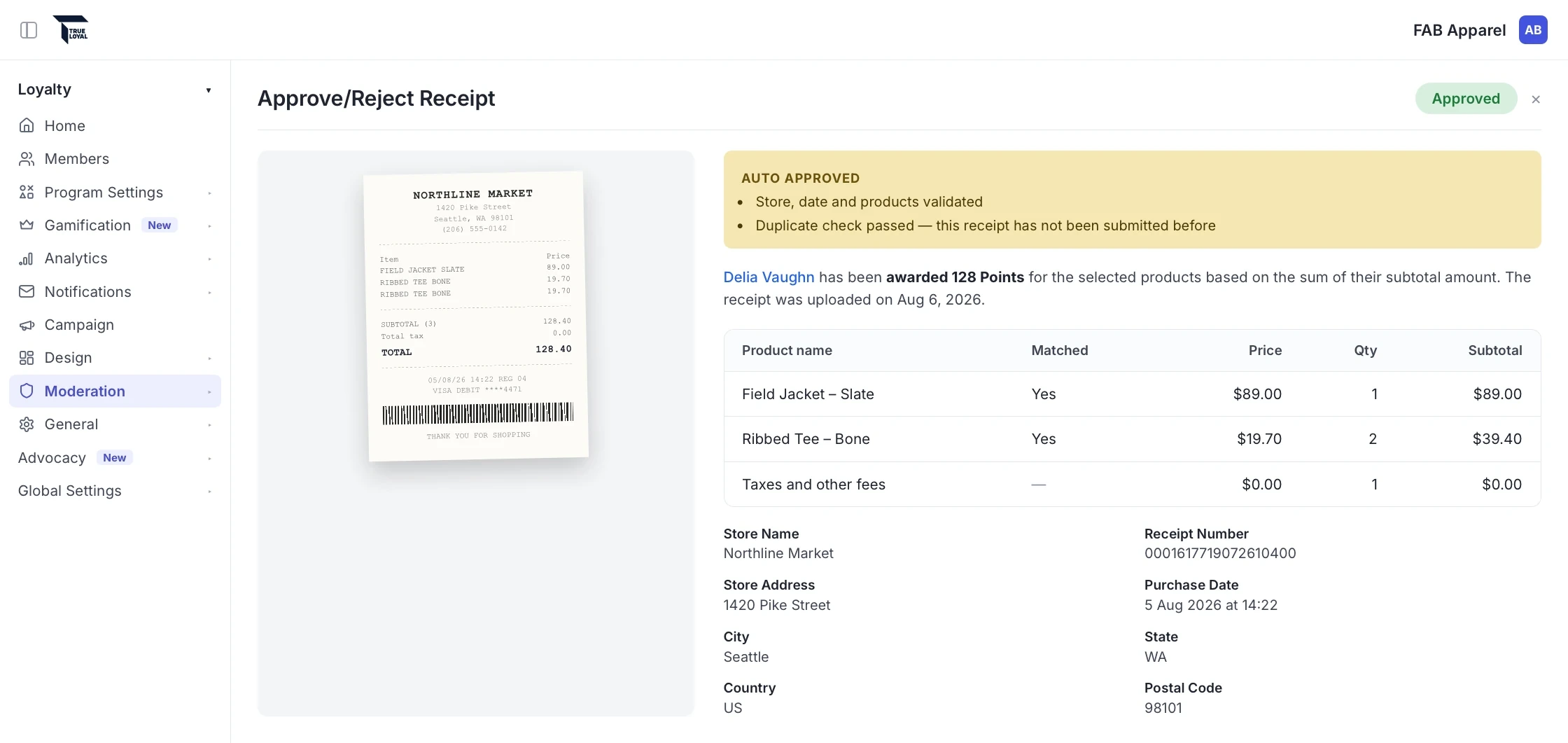
Your brand turns it on
Once we enable it for your account, AI access stays off until an admin on your team turns it on. Until then, assistants can't see anything in your account.

Ask your AI assistant about your members, rewards, and receipts, and use the answers to evolve your program on your own timeline.
Works with Claude, ChatGPT, and other supported AI assistants. Now in beta for select customers.
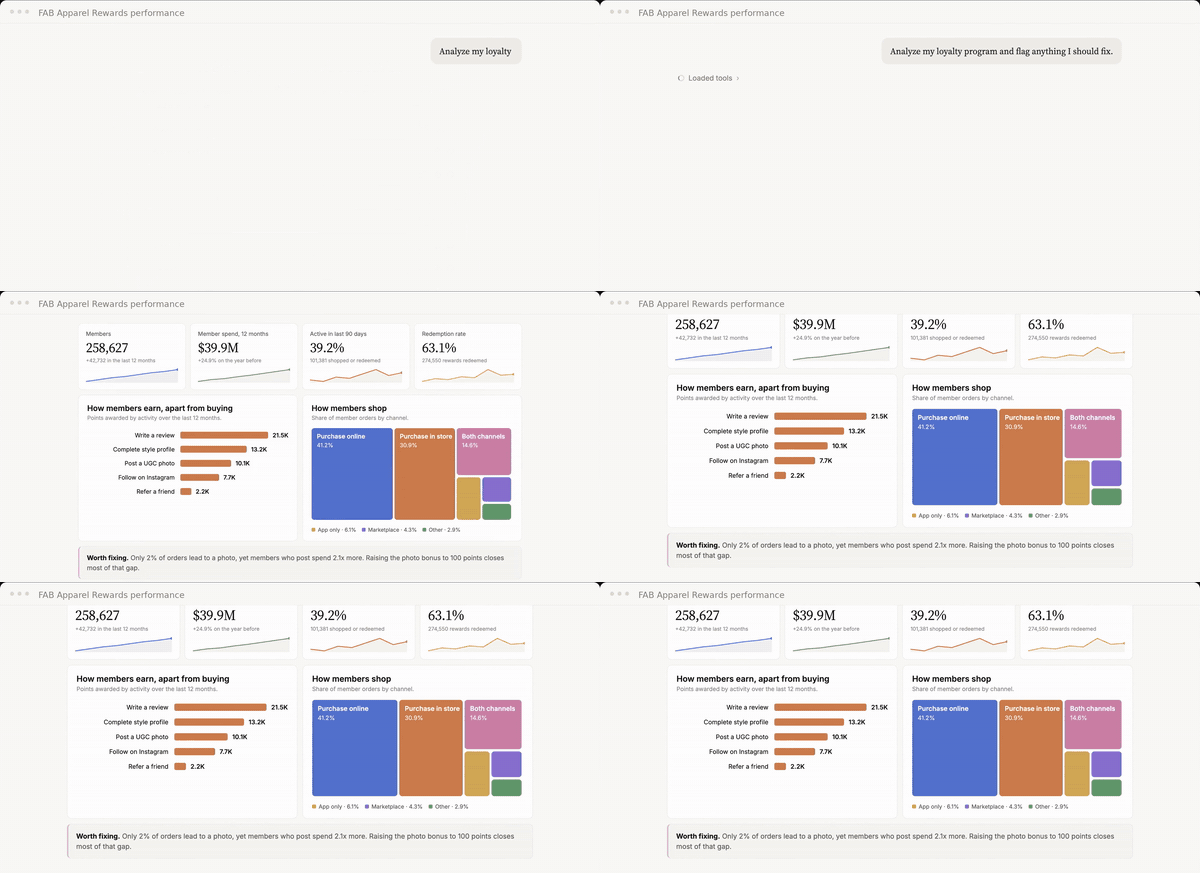
Shown with sample data from our demo brand.
Your loyalty team shouldn't have to wait on another team to understand its own program.
With the TrueLoyal MCP, you ask your AI assistant a question and get the answer from your program data right away.
The assistant works from the same members, purchases, and content you see in TrueLoyal, so every answer comes from your own program.
Ask how many members earned points for an activity, which tiers are growing, or who is sitting on points they haven't used. You can keep asking follow-up questions until you know what to do next.
Explore Rewards →This demo uses sample data from our demo brand. Creating and updating rules from the conversation is in early access.
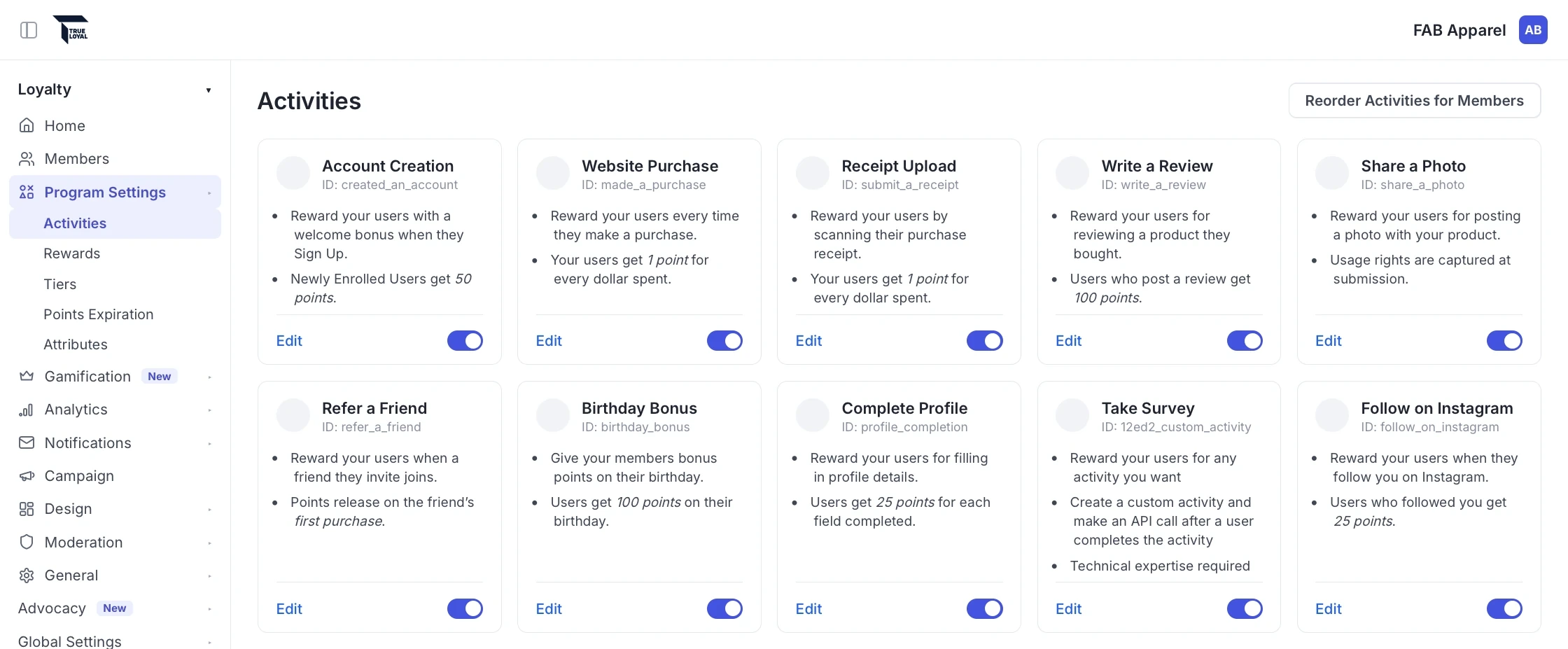
Every scanned receipt holds line-level detail about what members bought at your retail partners. Ask about the products and baskets on those receipts to learn what's really driving purchases on the shelf.
Explore Receipt Scanning →
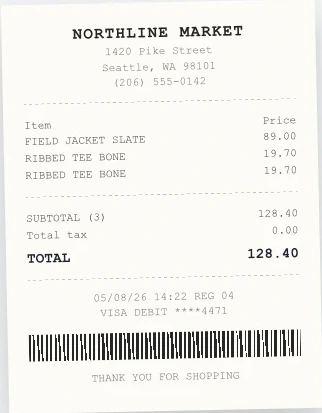
For brands with Fan Club™, ask what members are saying in their reviews, find your top creators, and get your library tagged and ready for the next campaign.
Explore Fan Club™ →
A quick look at asking your loyalty program questions from the AI assistant your team already uses, and getting answers from your own data.
The TrueLoyal MCP follows the same rules and permissions your team works under in TrueLoyal today.
Once we enable it for your account, AI access stays off until an admin on your team turns it on. Until then, assistants can't see anything in your account.
An assistant can only reach the TrueLoyal accounts that turned on AI access and that the person signing in belongs to.
The assistant can only see and change what each person's role allows in TrueLoyal.
Each person signs in with their TrueLoyal login, and AI assistant access stays separate from the API connections your ecommerce and CRM tools use.
There are no tools that permanently delete anything. When a rule is removed, it's archived.
Tools that change records are marked for confirmation, so assistants that support it ask you before they make a change.
The TrueLoyal MCP is built on Model Context Protocol, the open standard AI assistants use to connect to business software.
Book a demo and tell us what you want to know about your program. We'll run your questions on a sample loyalty program so you can see the answers for yourself.
Our team enables the TrueLoyal MCP for your account. Then an admin on your team turns on AI access, so you decide when it goes live and who uses it.
Your team connects their AI assistant to TrueLoyal and starts getting answers from your program.
It's a connection that lets AI assistants like Claude and ChatGPT work with your TrueLoyal program. MCP stands for Model Context Protocol, the open standard AI assistants use to connect to business software.
It's in beta for select customers. While it's in beta, its tools and results may change as we improve it.
Claude (including Cowork and Claude Code), ChatGPT, Grok, GitHub Copilot, Cursor, the Gemini CLI, the OpenAI Codex CLI, and Goose. To use another assistant, contact us.
It answers questions about your program and can moderate and tag your Fan Club™ content. Teams in our early access program can also create and update rewards, activities, rules, and tiers. There are no tools that permanently delete anything.
AI access is off until your brand turns it on. An assistant can only reach the TrueLoyal accounts that turned it on and that the person signing in belongs to, and it can only see and change what that person's role allows.
No coding. Whoever manages your AI assistant adds TrueLoyal as a custom connector, and each person signs in with their TrueLoyal login and approves the connection.
Book a demo or talk to your CSM. Our team enables the TrueLoyal MCP for your account and helps you get your team set up.
Book a demo and bring your toughest program questions. We'll show you how the TrueLoyal MCP answers them with a sample loyalty program.